 Postry
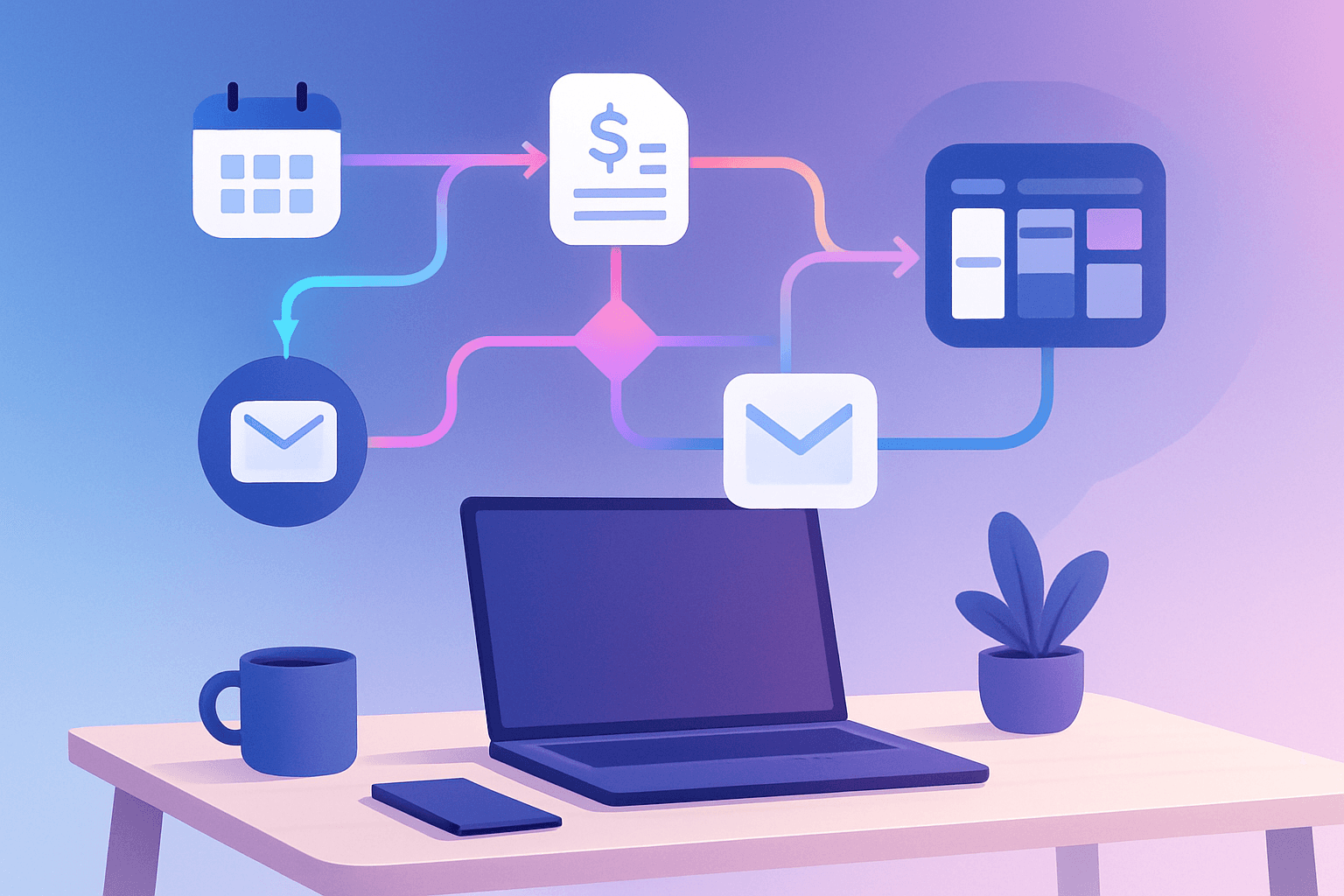
If you're a freelancer, you already know: time spent on administrative tasks is time you're not billing. Proposals, follow-ups, invoices, file organization, scheduling — all of this consumes precious hours every week. The good news is that in 2026, automation tools are more accessible and powerful than ever, allowing independent professionals to reclaim up to 7 hours per week according to recent research from Zapier's business automation report.
I've been using automation tools in my freelance workflow for over two years. What nobody tells you is that the biggest gain doesn't come from the most sophisticated tool — it comes from automating that annoying 10-minute task you do every day without thinking. In my case, it was automating invoice generation from time tracking. It seemed small, but I recovered almost 3 hours per week just from that. The secret is starting with what hurts your wallet most: repetitive time that doesn't generate direct revenue.
Why freelancers need automation in 2026
The freelance market has grown exponentially in recent years. With more competition, the difference between a professional who thrives and one who merely survives lies in operational efficiency. While traditional employees have entire departments handling HR, finance, and administration, freelancers do everything themselves.
A survey published by Workana in 2026 shows that freelancers spend an average of 12 hours per week on non-billable tasks. That represents nearly a third of the work week wasted on activities that could be partially or fully automated.
The task categories that consume the most time include:
- Client communication (follow-ups, status updates, scheduling)
- Financial management (invoices, collections, payment tracking)
- Project organization (moving cards, updating status, creating documents)
- Prospecting and proposals (sending portfolio, customizing proposals)
- File backup and organization (renaming, categorizing, syncing)
The best automation tools for freelancers
There are dozens of tools available, but not all are suitable for solo workers. Freelancers need solutions that are quick to set up, reliable, and with justifiable cost-benefit. Here are the ones that truly make a difference:
Make (Integromat) — The Swiss army knife of automation
Make is the platform that offers the best balance between power and accessibility for freelancers. With its visual drag-and-drop interface, you connect over 1,500 apps without writing a single line of code. The free plan allows 1,000 operations per month — enough to automate your most critical workflows.
Practical use cases for freelancers:
- When a client fills out a briefing form, Make automatically creates a project in Notion, sends a confirmation email, and adds the event to Google Calendar
- Upon receiving a payment on Stripe, it automatically generates an invoice and sends it via email
- Monitors mentions of your brand on social media and consolidates everything in a spreadsheet
Zapier — Simplicity at scale
Zapier remains the benchmark in ease of use. With over 8,000 integrations available, it's virtually impossible not to find your favorite apps on the platform. The if-then builder is intuitive enough for anyone who has never programmed.
The free plan covers 100 tasks per month. For most freelancers starting with automation, this is sufficient for the first few months while you identify which automations actually impact your day.
n8n — For those who want total control
If you have a technical profile or don't want to depend on paid plan limits, n8n is the open-source alternative that can be hosted on your own server with unlimited operations. The cost boils down to hosting — usually less than $10 per month on a basic VPS.
n8n shines for tech freelancers who are already familiar with APIs and want to create complex automations without the pricing limitations of SaaS platforms.
Essential automations every freelancer should set up
Regardless of the tool chosen, there are automations that offer immediate returns for any freelancer. Based on my experience and market data, these are the ones that save the most time:
1. Automatic invoicing based on time tracking
Connect your time tracking tool (Toggl, Clockify, Harvest) with your invoicing system. At the end of each billing period, the automation generates an invoice draft with logged hours, ready for your review and sending. Average savings: 2-3 hours per billing cycle.
2. Automatic follow-up for sent proposals
Set up a flow that, 3 days after sending a proposal without response, triggers a personalized follow-up email. Data shows that follow-ups increase conversion rates by up to 40%, but most freelancers simply forget to do them.
3. New client onboarding
When a client accepts your proposal, an automation can trigger the entire onboarding sequence: send contract for digital signature, create shared folder, add to CRM, schedule kick-off call, and send briefing questionnaire. What used to take 45 minutes of manual work happens in seconds.
4. Delivery backup and organization
Every file delivered to a client is automatically copied to your portfolio folder, renamed with a consistent pattern, and cataloged. When a prospect asks for work samples, you have everything organized without retroactive effort.
5. Weekly reports for recurring clients
For clients with monthly contracts, set up automatic weekly reports that compile completed tasks, dedicated hours, and next steps. This reduces unnecessary meetings and demonstrates professionalism.
Cost and feature comparison
| Tool | Free Plan | Paid Plan (starter) | Integrations | Best for |
|---|---|---|---|---|
| Make | 1,000 ops/month | $9/month (10,000 ops) | 1,500+ | Complex visual workflows |
| Zapier | 100 tasks/month | $19.99/month (750 tasks) | 8,000+ | Simplicity and variety |
| n8n | Unlimited (self-hosted) | €20/month (cloud) | 400+ | Total control and technical users |
| Pabbly Connect | 100 tasks/month | $25/month (unlimited) | 1,000+ | Predictable long-term cost |
| IFTTT | 2 applets | $3.49/month (20 applets) | 800+ | Simple personal automations |
How to start without getting overwhelmed
The most common mistake freelancers make when discovering automation is trying to automate everything at once. This generates frustration, broken flows, and the feeling that "automation doesn't work for me." The correct approach is incremental:
Week 1: Identify your 3 most repetitive tasks. Note how much time each consumes per week.
Week 2: Choose ONE tool (I recommend Make for beginners) and automate only the task that consumes the most time.
Week 3: Monitor whether the automation is working correctly. Adjust if necessary.
Week 4: With the first automation stable, add the second task from your list.
This gradual pace ensures each automation is reliable before adding complexity. In two months, you'll have 4-5 automations running perfectly and will already feel the impact on your available time.
Common pitfalls and how to avoid them
Automating isn't magic. There are real risks that can cause problems if you're not careful:
- Automation without human review in client communication: Never set up 100% automatic emails to clients without an approval step. A context error can damage a relationship.
- Dependency on a single platform: If your entire operation depends on Zapier and it goes down (it happens), you're paralyzed. Always have a documented manual plan B.
- Orphan automations: Flows you created, forgot about, and continue running consuming your plan. Do a monthly audit.
- Over-engineering: Creating a 15-step automation for something that takes 2 minutes manually. The setup and maintenance time may not be worth it.
The role of AI in 2026 automations
The big change in 2026 compared to previous years is the native integration of AI in automation workflows. Tools like Make and Zapier now offer steps with integrated language models, enabling automations that were previously impossible:
- Classifying incoming emails by urgency and type using AI, automatically routing to different flows
- Generating personalized response drafts for leads based on conversation context
- Summarizing recorded meetings and creating action items in your project manager
- Analyzing client feedback and generating insights on improvement points
According to Useme's report on AI tools for freelancers, professionals who combine traditional automation with AI report productivity gains of up to 35% compared to those using only one approach.
Conclusion
Automation for freelancers is no longer a differentiator — it's a competitive necessity. The tools available in 2026 have made it viable for any independent professional to eliminate hours of repetitive work without significant investment. The secret lies in the approach: start small, with the task that hurts most, using a single tool. When that automation is solid, expand gradually. In a few months, you'll have recovered enough time to take on more projects, invest in upskilling, or simply have a more balanced life. The important thing is taking the first step — choose your tool today and automate just one thing. The cumulative impact over the year will be transformative.
